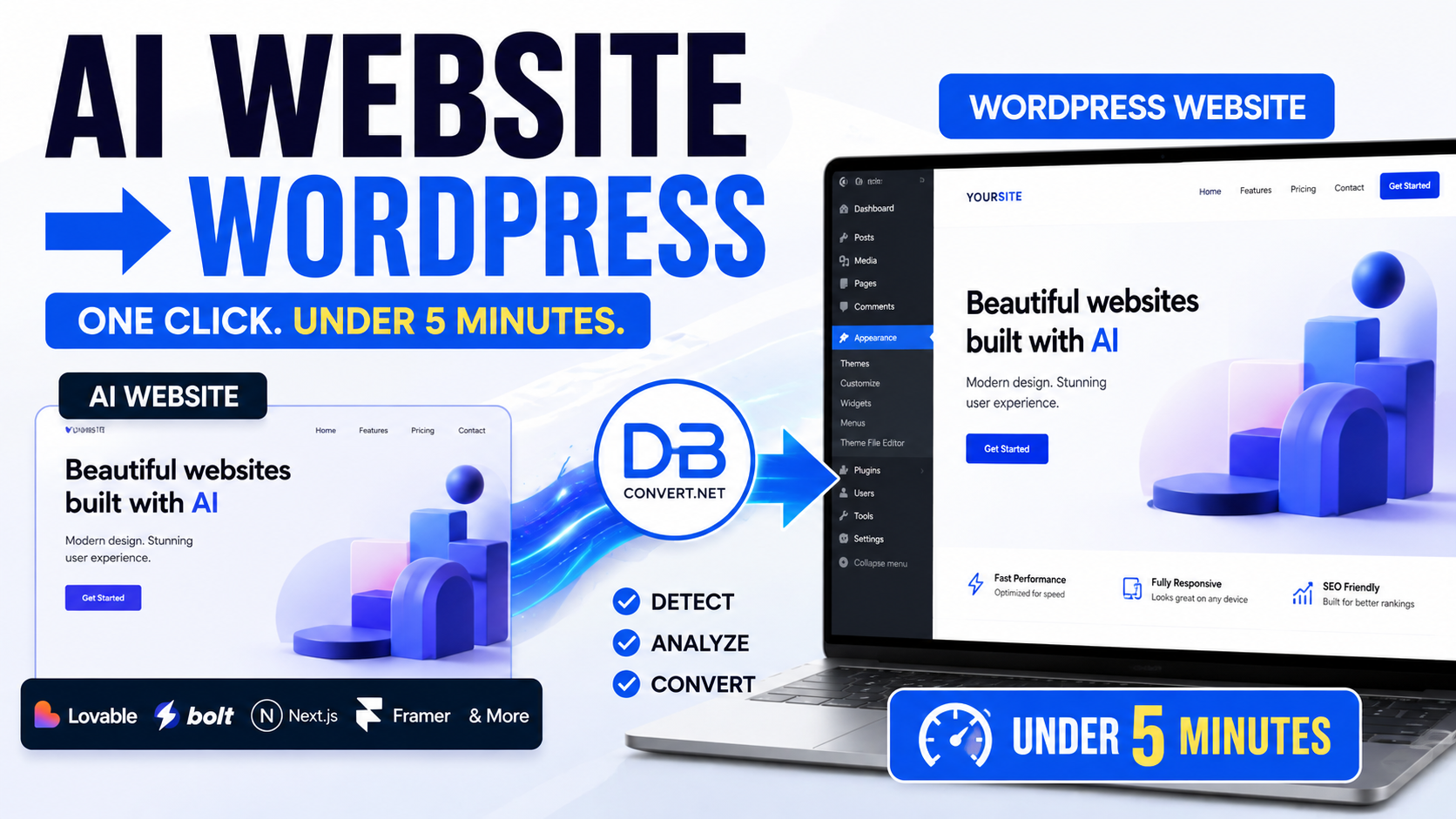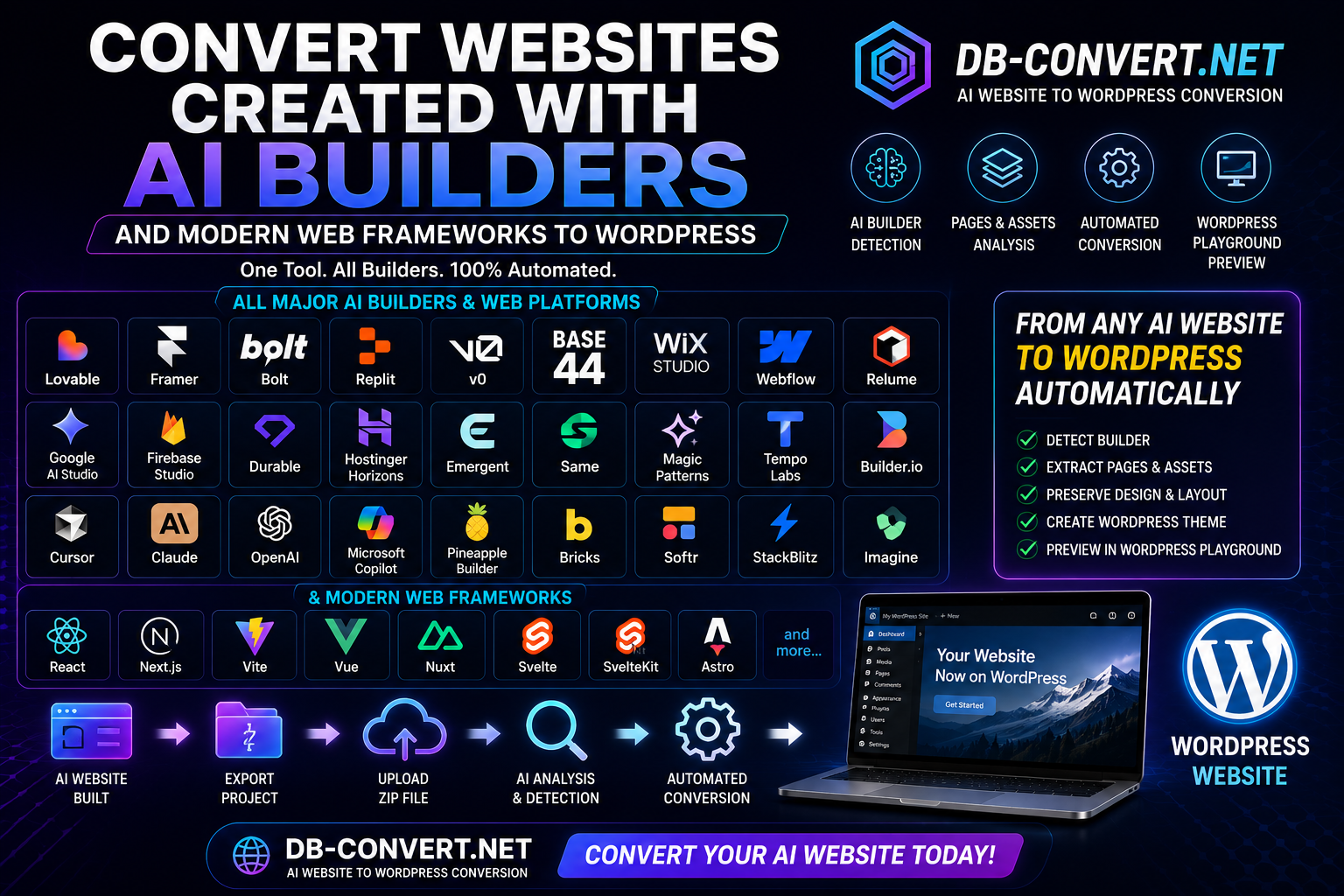
Something has quietly changed in the way websites get built. A few years ago, launching a decent business site meant a designer, a developer, a couple of rounds of feedback and a month of waiting. Today you describe what you want in a chat box, and twenty minutes later you are looking at a homepage that genuinely looks good.
Tools like Lovable, Framer, v0, Cursor, Replit, Google AI Studio, Gemini, Claude and Bolt have made that normal. And they are excellent at what they do. But somewhere around week three — after the excitement wears off and the practical questions start — most owners land on the same thought:
"This is great, but I need it in WordPress. Can I just move it over?"
That question is the reason this article exists. I have spent years building, breaking and rescuing WordPress sites, and I have spent the last stretch of that time watching people arrive with a beautiful AI-generated site and no clear path into the world's most widely used content system. This is an independent review of how that move actually goes — builder by builder, honestly, including the parts that are messy.
The quick answer
Yes — in almost every case, an AI-built website can be converted into WordPress. What varies is how much of it comes across untouched.
Here is the honest summary I give people before they start:
- Content, layout and images usually travel well. Text, headings, sections, photos and the general look of a page are the easiest things to bring over.
- Multi-page structure and navigation are where people get surprised. A homepage converting nicely proves very little. The test is page four, page nine, and whether the menu still leads anywhere.
- Anything with a "brain" behind it needs extra work. Logins, databases, payments, dashboards and connections to other services do not simply move. They have to be rebuilt with WordPress tools.
If you want to skip theory and see what your own site turns into, the practical route is to run it through an AI website to WordPress converter and inspect the result page by page. That takes minutes and answers more questions than any article can.
Why people are moving AI websites to WordPress
It is worth being clear about the motivation, because it shapes what "a successful conversion" even means.
1. Ownership and portability
AI builders are wonderful, but your site lives inside their system. WordPress runs on hosting you choose, and you can move it to a different host next year with a copy-paste. For a business asset that took real effort, that independence matters.
2. Editing without asking the AI
Changing a phone number in an AI builder often means going back into a chat and re-generating something. In WordPress you open the page, click the text, type the new number, hit update. For a receptionist, an assistant or a non-technical partner, that difference is enormous.
3. The plugin ecosystem
Booking systems, multilingual setups, WooCommerce shops, membership areas, invoicing, SEO tooling, GDPR banners, backups — WordPress has mature, cheap, well-supported answers to all of it. You are not waiting for a feature to be added.
4. SEO and long-term content
If your plan involves publishing regularly and ranking for things people search, WordPress remains the most comfortable home for that. Blogs, categories, structured data, redirects, sitemaps — it is all standard, understood territory.
5. Cost and continuity
Subscriptions add up, and some AI builders price per project. Once a site sits in WordPress, the ongoing cost is usually hosting plus a domain, and any developer on earth can pick it up if you disappear on holiday.
None of this means AI builders are bad. It means they are excellent at the first ninety percent — the creation — and WordPress is excellent at the long tail that follows: editing, growing, publishing, selling.
What happens when you actually try to convert one?
Here is the part nobody warns you about. AI builders produce modern websites — the kind where the page is assembled in your browser as you look at it, rather than sitting on a server as finished pages. It is a smart way to build. It is also the reason a naive "save the page" attempt tends to produce a mangled result: half the content only appears after the page has come alive, and a simple copy grabs the skeleton, not the body.
You will see this described in three familiar failure stories:
- "The homepage came through, but nothing else." The other pages exist, but nothing pointed the copying process at them, so it never found them.
- "It looks like a the nineties website." The text arrived; the styling did not. Fonts, spacing and colours live in separate files, and those files were left behind.
- "The images are all broken." The pictures were still being loaded from the original builder's servers. When that link goes away, so do the images.
A conversion done properly avoids all three: it waits for each page to fully render, follows the internal links to discover the rest of the site, downloads the images into your own WordPress media library, keeps the styling attached, and rewrites the internal links so they point at your new WordPress addresses instead of the old ones. That is the difference between a copy and a working website — and it is essentially the job description of a dedicated Convert2WP WordPress converter workflow.
Plain-language version: imagine photographing a shop window versus actually moving the shop. A screenshot looks right and does nothing. A move brings the shelves, the stock, the signage and the door that opens. A good conversion is a move.
How we would evaluate the conversion
When I look at a converted site, I do not start with "does it look nice". I run through a checklist in a fixed order, because the failures compound. Use the same one on your own site.
1. Are all the pages there?
Count the pages in your AI builder. Count the pages in WordPress. If you had twelve and you see one, the conversion did not discover your site — it photographed the front door.
2. Does the navigation still work?
Click every item in the main menu and the footer. Each click should land on a real page inside your own domain — not a dead end, not the old builder's address.
3. Did the images survive, and where do they live?
Images can look fine and still be wrong. Right-click one and check the address: it should sit on your own site, in your media library. Borrowed images are a time bomb.
4. Is the design intact?
Fonts, colours, button shapes, spacing, section backgrounds. Then shrink the browser window: does the mobile layout hold together, or does everything stack into a column of confusion?
5. Do the links work?
Internal links, buttons, "read more" links, anchor links that jump down a page, external links to your social profiles. A converted page full of links to a site you are about to switch off is a slow-motion problem.
6. Do the forms actually send?
This is the one people skip and regret. A contact form can look perfect and go nowhere. In WordPress it needs a real form plugin behind it. Always send yourself a test message before you celebrate.
7. Does it still feel like the original?
Open the old site and the new one side by side. Scroll both. The animations may be gentler and one shadow may be different — that is fine. If your brand still feels like your brand, the conversion succeeded.
8. Can a normal person edit it?
The final test. Open a page in WordPress and change a headline. If that is comfortable, you have gained something real. That is the whole point of the exercise.
Keep those eight checks in mind as we go through the builders — I will point out what tends to need attention for each one.
Lovable
Why people use it
Lovable is one of the friendliest ways to describe a website in plain language and get a genuinely polished result. You chat, it builds, you refine. It is fast, the output looks contemporary, and you can go from idea to a live link in an afternoon.
What people build with it
Small business sites, agency and consultant sites, SaaS landing pages, internal tools, event and product pages, and a lot of multi-page company sites with services, about, pricing and contact.
How well does it move to WordPress?
Well, generally. Lovable output is typically clean and consistently structured, which is exactly what a conversion likes: clear headings, clear sections, real navigation. The catch is that it is a modern app-style site, so the pages need to be properly rendered and discovered rather than crudely copied.
What can go wrong
- Only the homepage is captured because nothing crawled the rest.
- Interactive bits — tabs, accordions, sliders, animated counters — arrive static.
- Contact forms come across as a shape with no delivery behind them.
- Anything connected to a backend (logins, saved data, dashboards) does not travel.
What to check
Page count first, then the menu, then image locations, then the forms. If your Lovable project had accounts or a database behind it, treat the marketing pages and the app as two separate jobs.
How Convert2WP can help
This is the classic use case. Rather than rebuilding twelve pages by hand, you can convert a Lovable website to WordPress and get the pages, structure, media and internal links brought across in one pass — then spend your time on the finishing touches instead of the retyping.
Expert recommendation
Strongly suitable. Convert the site, wire the forms to a WordPress form plugin, and rebuild any interactive widgets with blocks. Budget an hour or two of polish, not a week.
Framer
Why people use it
Framer is a designer's favourite. The animations are smooth, the typography is tasteful, and sites built in it tend to look expensive. Its AI features can generate whole layouts, and the visual editor gives fine control afterwards.
What people build with it
Portfolios, studio and agency sites, product launches, personal brand sites and beautifully art-directed marketing pages.
How well does it move to WordPress?
Content, structure and imagery convert reliably. The honest caveat is the motion. A lot of Framer's charm lives in scroll effects and micro-interactions that are specific to how Framer works. In WordPress you keep the layout and the look; some of the choreography will be simpler unless you rebuild it deliberately.
What can go wrong
- Signature scroll animations become static sections.
- CMS-driven collections (a blog or project list) may need to be recreated as WordPress posts.
- Very tightly art-directed spacing sometimes needs nudging.
- Fonts hosted by Framer need to be re-added on the WordPress side.
What to check
Compare the two sites side by side on desktop and phone. Check that every project or blog entry exists as its own page, not just as a card on a listing.
How Convert2WP can help
The heavy lifting — every page, every image, every internal link — is exactly what you want automated. Teams that convert a Framer website to WordPress generally use the converted result as a faithful base, then reintroduce the two or three animations that actually matter to the brand.
Expert recommendation
Suitable, with expectations set. You are moving the design and the content, not the motion design. For most businesses that trade-off is worth the editing freedom.
v0
Why people use it
v0 (from Vercel) is brilliant at producing tidy, modern interface sections on demand: a hero, a pricing table, a feature grid, a testimonial row. People assemble sites from those pieces very quickly.
What people build with it
Landing pages, SaaS marketing sites, waitlist and launch pages, and small multi-page sites stitched together from generated components.
How well does it move to WordPress?
Very well for the visual side. v0 output is neat and predictable, which converts cleanly. The thing to watch is that v0 projects are often assembled rather than fully wired — the pretty pricing section may not link anywhere yet, and the navigation may be half-finished.
What can go wrong
- Placeholder links and buttons that were never pointed anywhere.
- Sample images that were never replaced with your own.
- Sections that only exist inside a preview and were never published as pages.
What to check
Every button. Seriously — click them all. Then swap out any leftover stock imagery before it becomes permanent.
How Convert2WP can help
It gives you a real WordPress site to work from instead of a folder of components. Once you convert your AI website to WordPress, the sections become editable page content you can rearrange without regenerating anything.
Expert recommendation
Very suitable. Finish your links and images in v0 first, then convert. Ten minutes of tidying beforehand saves an hour afterwards.
Cursor
Why people use it
Cursor is an AI-powered code editor, so it attracts a slightly more technical crowd — freelancers, founders who tinker, and small dev teams who want the AI sitting next to them rather than doing everything for them.
What people build with it
Anything, honestly. Custom marketing sites, documentation, client projects and full applications. The output is as varied as the person driving it.
How well does it move to WordPress?
It depends entirely on what was built. A straightforward marketing site made in Cursor converts as easily as anything else here. A custom application with accounts and a database is a different project with a different budget.
What can go wrong
- Unconventional page structures that need a bit of manual tidying after conversion.
- Custom scripts and interactive features that have no WordPress equivalent out of the box.
- Sites where content is pulled from an external source at load time.
What to check
Separate your site mentally into "pages people read" and "features people use". The first group converts. The second group needs a plan.
How Convert2WP can help
Even on a custom build, the public-facing pages are usually the bulk of the visible work. Running them through a converter for AI-built websites gets that portion into WordPress quickly, leaving you to focus on the genuinely custom parts.
Expert recommendation
Suitable for content sites; plan properly for applications. Convert the marketing layer first — it is the fastest visible win.
Replit
Why people use it
Replit builds and hosts working applications from a description. It is popular precisely because it does not stop at pretty pages — it produces things that do something.
What people build with it
Internal tools, calculators, small SaaS products, dashboards, prototypes, and marketing sites that sit in front of an app.
How well does it move to WordPress?
This is the one where I set expectations hardest. The public pages — home, features, pricing, about, contact, docs — convert fine. The application behind them does not, and honestly should not: WordPress is a content system, not a replacement for your app's logic. The usual, sensible outcome is a WordPress marketing site that links to the app.
What can go wrong
- Expecting user accounts, saved data or dashboards to appear in WordPress. They will not.
- Pages that only exist after logging in are invisible to any conversion.
- Live data (charts, feeds, results) converts as a snapshot, not a live view.
What to check
Make a list of your public pages before you start, and check them off afterwards. Ignore everything behind a login — that is a separate conversation.
How Convert2WP can help
It handles the half that should move. Convert the public marketing pages, keep the app where it is, and let the WordPress site do the explaining and the selling. If you are unsure how much of your project counts as "public", the simplest move is to test your AI website conversion and see exactly which pages come through.
Expert recommendation
Suitable for the marketing layer. A hybrid setup — WordPress in front, app behind — is usually the right architecture anyway.
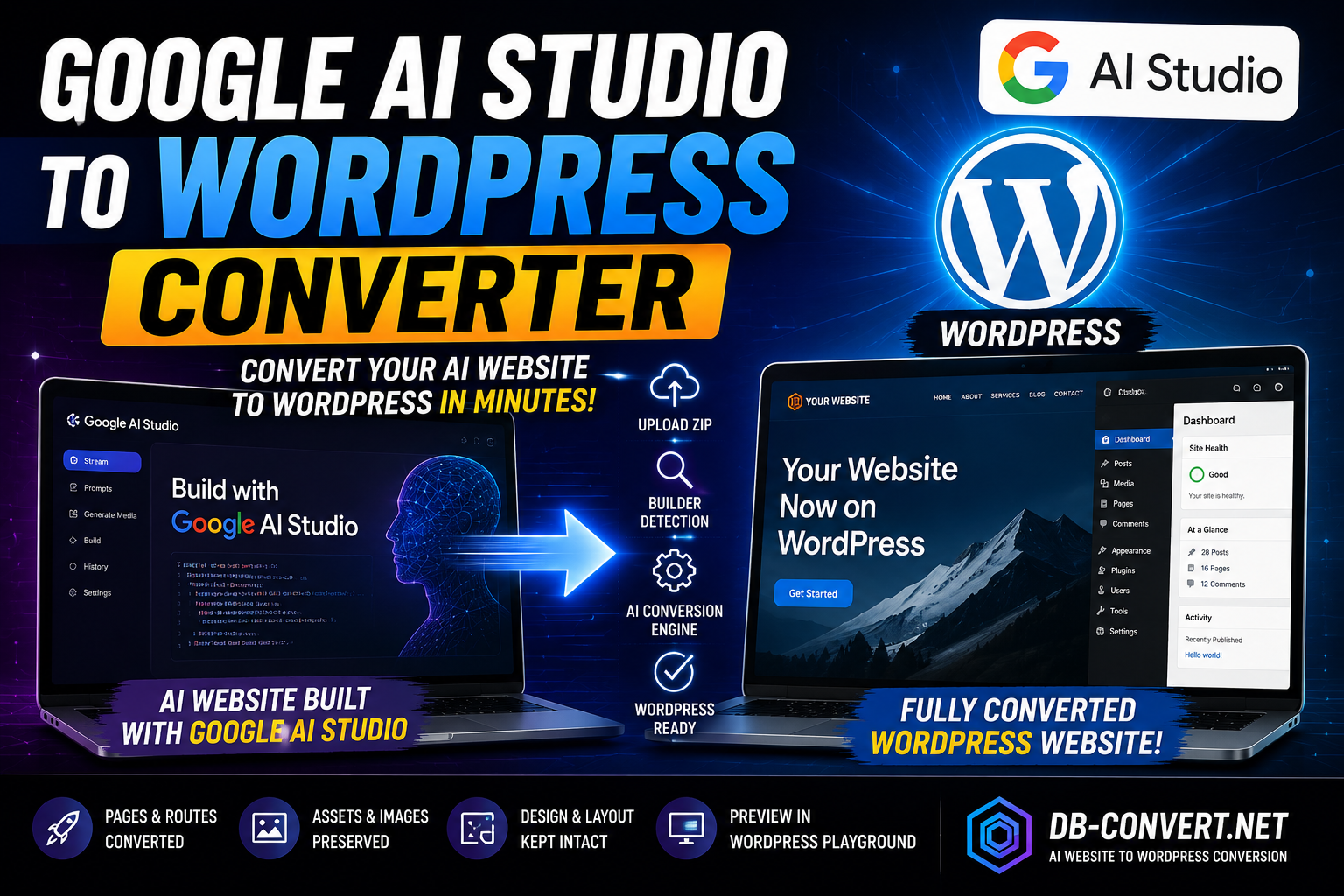
Google AI Studio
Why people use it
Google AI Studio is where a lot of people experiment with Google's models and generate small web apps and pages from prompts. It is exploratory by nature — a sketchpad more than a site builder.
What people build with it
Prototypes, demos, single-purpose tools, simple informational pages and proofs of concept that occasionally grow into something real.
How well does it move to WordPress?
Simple pages convert easily — they are usually clean and lightweight. Where it gets interesting is when the page's whole purpose is calling an AI model. That behaviour does not come along; the page will convert, the intelligence behind it will not.
What can go wrong
- AI-powered features become inert once removed from their original environment.
- Projects were never really structured as a multi-page website, so there is not much navigation to preserve.
- Keys and connections to Google services do not transfer, and should not.
What to check
Ask what each page is for. If it is "explain and persuade", it will convert nicely. If it is "run an AI feature", you will need a WordPress plugin or a custom integration to reproduce it.
How Convert2WP can help
For the informational side — the pages describing your tool or project — conversion turns a scratch prototype into a proper, editable website. Many people move an AI-generated site to WordPress at exactly the moment a demo starts attracting real visitors.
Expert recommendation
Suitable for informational pages. Treat AI-powered functionality as a separate build.
Gemini
Why people use it
Plenty of people never open a website builder at all. They ask Gemini to write them a landing page or a small site, copy what it produces, and put it online. It is free, fast and surprisingly capable.
What people build with it
Single-page sites, event pages, local business pages, personal pages, and simple multi-page sites created one page at a time.
How well does it move to WordPress?
Genuinely easy, because these sites are usually simple and self-contained. Fewer moving parts means fewer things to break. The main quirk is that pages generated in separate conversations often do not link to each other properly, so the "site" is really a pile of pages.
What can go wrong
- Inconsistent design between pages made in different sessions.
- Menus that were never actually connected.
- Placeholder text like "Your Company Name" surviving all the way to launch.
What to check
Read every page out loud once. Placeholder text hides in plain sight. Then confirm the menu reaches every page you care about.
How Convert2WP can help
Conversion pulls loose pages into one managed WordPress site with a real menu and a real media library. If you have a handful of AI-written pages sitting in a folder, running them through a WordPress conversion tool is the quickest way to turn them into an actual website.
Expert recommendation
Very suitable. Simple sites are the easiest conversions there are. Tidy the wording first.
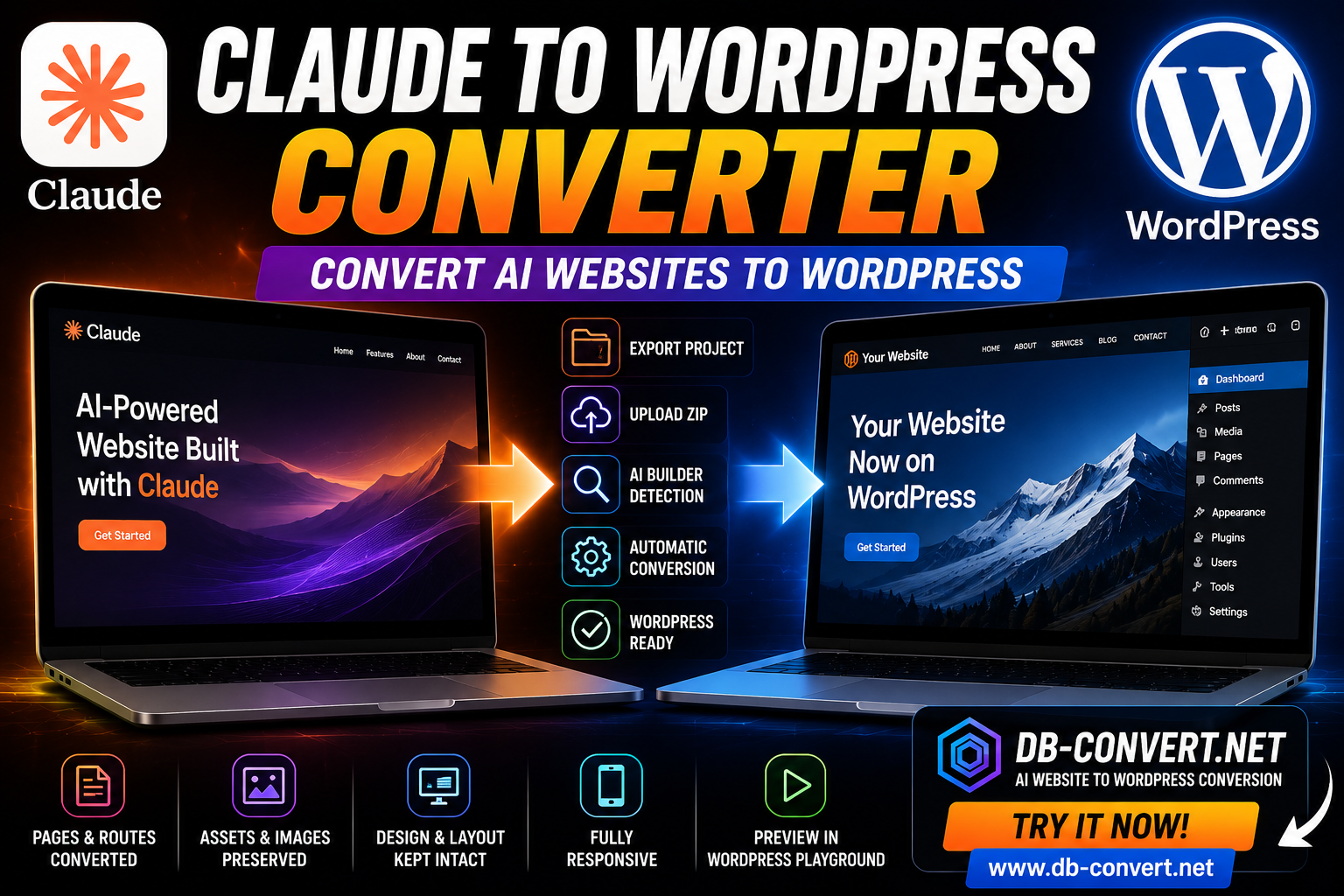
Claude
Why people use it
Claude is a favourite for writing and structuring, and it produces neat, well-organised pages. People often use it as the writer and the builder at once: strong copy plus a clean layout.
What people build with it
Service pages, long-form content pages, documentation, consultant and coaching sites, and tidy small business sites.
How well does it move to WordPress?
Very well. Claude's output tends to be logically structured with sensible headings and clear sections, which is precisely what converts predictably — and what WordPress and search engines both like.
What can go wrong
- Interactive extras that were generated as a demo do not always survive.
- Multi-page sites built across conversations can drift in style.
- Images may be described rather than actually included, leaving gaps.
What to check
Check the headings on each page — good structure is worth preserving. Then confirm every image slot has a real image in it.
How Convert2WP can help
Because the structure is already sound, conversion tends to be uneventful in the best possible way. Content, headings and layout land in WordPress ready to edit, which is why a straightforward AI to WordPress migration suits Claude-built sites so well.
Expert recommendation
Highly suitable. One of the smoother conversions in this list.
Bolt
Why people use it
Bolt turns a prompt into a working project in the browser, fast. It sits between "site builder" and "app builder", and people like how quickly it gets to something real.
What people build with it
Startup sites, product pages, small web apps, MVPs and client demos.
How well does it move to WordPress?
The website parts convert well; the app parts follow the Replit rule. Bolt projects can be a bit more improvised in structure, so expect a slightly longer tidying pass — a heading that needs demoting, a section order to adjust.
What can go wrong
- Pages that were generated but never linked into the navigation.
- Interactive components arriving as static blocks.
- Stored data and accounts staying behind, as they should.
What to check
List every page you believe exists — including the ones you can only reach by typing the address — and verify each one after conversion.
How Convert2WP can help
It finds and brings across the pages you may have forgotten about, which on Bolt projects is often two or three. That alone usually justifies choosing to convert an AI-built website rather than rebuilding it manually.
Expert recommendation
Suitable, with a tidying pass. Convert, review the structure, then polish.
Comparison table
| Builder | Ease of conversion | Multiple pages | Navigation | Images & design | Things to check | Expert recommendation |
|---|---|---|---|---|---|---|
| Lovable | Easy | Usually well structured | Normally intact | Comes across well | Forms, interactive sections | Convert, then wire up forms |
| Framer | Easy | Yes | Normally intact | Design holds; motion simplifies | Animations, blog collections | Great fit if motion is not sacred |
| v0 | Easy | Depends on how it was assembled | Often needs finishing | Clean and tidy | Placeholder links and images | Tidy first, then convert |
| Cursor | Varies | Depends on the build | Usually fine | Usually fine | Custom scripts and features | Great for content sites |
| Replit | Moderate | Public pages only | Public menu only | Fine on public pages | Anything behind a login | Convert the marketing layer |
| Google AI Studio | Easy for pages | Often few pages | Minimal to begin with | Simple and clean | AI-powered features | Good for informational pages |
| Gemini | Very easy | Page by page | Often needs building | Simple, converts cleanly | Placeholder text, menus | One of the easiest moves |
| Claude | Very easy | Yes | Usually sensible | Clean structure | Missing images, style drift | Smooth, predictable conversion |
| Bolt | Easy to moderate | Yes | Sometimes incomplete | Good | Unlinked pages, app features | Convert, then tidy structure |
Watch the process instead
If you would rather see this than read about it, the walkthrough below covers the same ground visually — taking an AI-built site and turning it into a WordPress site, step by step.
Real-world examples
The following are illustrative examples, not case studies or customer results. They describe the kind of outcome you should reasonably expect, based on how these builders work.
Example 1 — A 12-page business website built in Lovable
Imagine a plumbing company: homepage, five service pages, about, team, service areas, testimonials, FAQ, contact. The homepage looks perfect in Lovable. The real question is whether the other eleven pages, the menu, the photos and the internal links survive the move.
What you should expect: all twelve pages present, the menu working, photos in the WordPress media library, internal links pointing at the new addresses. What needs your attention: the contact form, which needs a WordPress form plugin behind it, and the FAQ accordion, which may arrive as plain text and can be rebuilt with a block in five minutes.
Example 2 — A portfolio built in Framer
A photographer with a homepage, an about page and nine project pages. Expect all eleven pages, the images and the typography to come across. Expect the parallax scroll on the homepage to be calmer. If the projects were a Framer CMS collection, expect to review them as individual WordPress pages or posts and to rebuild the listing grid — an hour's work, not a rebuild.
Example 3 — A landing page plus internal pages built with v0
A launch page, a features page, a pricing page and a contact page. These convert quickly and cleanly. The likely snags are unfinished links from the original assembly and two stock photos nobody ever replaced. Fix them in v0 before converting and the result is near-perfect.
Example 4 — An application-style website built with Replit
A budgeting tool with a marketing site in front and a logged-in dashboard behind. Expect the five public pages to convert well. Expect the dashboard, the accounts and the saved data to stay exactly where they are. The realistic goal is a WordPress site that presents and sells the tool, with a "Log in" button pointing at the app.
Example 5 — Loose pages written by Gemini or Claude
Six pages generated across a few conversations. Expect an easy conversion into one WordPress site — and expect to spend most of your time on consistency: one heading style, one button style, one menu, and removing the two places where "Your Company Name" is still sitting in the text.
What can go wrong?
An honest review has to include the failure modes. Here are the ones I see most often, and what they mean for you.
Only part of the site is found
If pages are not linked from anywhere, nothing can discover them. Keep your own list of pages and compare it against the result. Pages that exist but are unlinked usually need to be pointed out explicitly.
Images that still belong to someone else
An image that displays perfectly can still be loading from the old builder. Six months later that address disappears and your site is full of gaps. Confirm the images live in your WordPress media library.
Forms that quietly do nothing
The single most expensive failure, because you do not notice it — you just stop getting enquiries. Every converted form needs a WordPress form plugin behind it and a test submission before launch.
Interactive pieces flattening out
Tabs, accordions, carousels, filters, animated numbers. These often convert to their visible state. Usually you rebuild them in WordPress; often you discover you did not need half of them.
Backend features that cannot follow
Logins, user accounts, saved data, payments, connections to other services, AI features. Be clear-eyed: these are rebuilt in WordPress with plugins or custom work. No converter turns an application into WordPress by magic, and anyone claiming otherwise is selling something.
Small design differences
A shadow that is slightly softer, a heading a few pixels smaller, a gradient that behaves differently. Normal, and fixable in minutes. Judge the result on the whole page, not on a pixel.
Losing your addresses
If your site is already indexed by Google, keep the page addresses identical where you can, or set up redirects. This is a five-minute job during the move and a painful one afterwards.
How to check your converted WordPress website
Work through this list before you point your domain at the new site. It takes about half an hour and it prevents almost every unpleasant surprise.
- Count the pages. Your list versus the WordPress Pages screen.
- Click every menu item in the header and the footer, on desktop and on a phone.
- Open each page and read it, watching for placeholder text and missing sections.
- Check the images — visible, sharp, correctly cropped, and stored in your own media library.
- Click the buttons. All of them, including in the footer.
- Send a test form submission and confirm it arrives in your inbox.
- Look at the site on a real phone, not just a narrow browser window.
- Compare side by side with the original, page by page.
- Edit something small — a headline, a phone number — and make sure it saves.
- Check page titles and descriptions, and keep or redirect your existing addresses.
Curious what your own site looks like on the other side?
The fastest way to find out is to run it through the converter and inspect the result page by page.
Step-by-step conversion
Step 1 — Finish the site in your AI builder first
Replace placeholder text and stock images, connect your links, and make sure every page you want is reachable from the menu. Converting a finished site is far easier than fixing one afterwards.
Step 2 — Write down every page
A simple list. This becomes your checklist later, and it is the only reliable way to notice something missing.
Step 3 — Get WordPress ready
Hosting, a fresh WordPress install, and a simple, neutral theme. You do not need a fancy theme — the design is coming from your converted pages.
Step 4 — Run the conversion
Point the converter at your AI site's address and let it crawl the pages, collect the media and rewrite the internal links. This is the part that would otherwise take you days of copying and pasting.
Step 5 — Import and review
Bring the result into WordPress and walk through your checklist from top to bottom.
Step 6 — Rebuild what could not travel
Add a form plugin and connect your forms. Rebuild any accordions or tabs with blocks. Add your booking, chat or analytics tools as plugins.
Step 7 — Handle SEO and addresses
Install an SEO plugin, check your titles and descriptions, and set up redirects if any addresses changed. Then submit your sitemap.
Step 8 — Test, then launch
Phone, tablet, desktop. Forms, links, menus. Then point the domain across and keep the old site available for a week, just in case.
Why Convert2WP.net is worth testing
I recommend tools based on whether they solve the actual problem, and the actual problem here is specific: modern AI-built sites need to be fully rendered, crawled, collected and rewritten — not simply saved. That is a narrow job, and general-purpose importers were not designed for it.
What makes Convert2WP.net worth a look is that it targets exactly this scenario. Rather than converting one page at a time, it works across your site: discovering pages through their links, pulling images into your own media library, keeping the styling attached to the content, and rewriting internal links so they point at your WordPress pages instead of the site you are leaving.
In practical terms, that changes what your afternoon looks like. Instead of manually recreating twelve pages — copying text, re-uploading photos, rebuilding sections, fixing links, and inevitably missing something — you get a converted site to review and refine. The work shifts from reconstruction to quality control, and quality control is a much better use of your time.
Two honest caveats, because a review without caveats is an advert. First, no converter can move an application: logins, databases, payments and AI features are rebuilt in WordPress, full stop. Second, expect a polishing pass. A converted site is a very strong starting point, not a finished product signed off by your designer.
That is also why testing beats speculating. Five minutes spent watching your own site convert tells you more than any comparison article — including this one. If you have a site sitting in Lovable, Framer, v0, Bolt or anywhere else, you can simply run it through the converter and judge the result with your own eyes.
Expert verdict
After weighing all nine builders against the eight checks above, the picture is consistent.
Content-focused sites convert well. If your site exists to explain, present and persuade — most business sites, portfolios, service sites, landing pages — the move to WordPress is realistic, quick and usually cheaper than rebuilding. Claude, Gemini, Lovable, v0 and Framer sites in particular tend to come across in good shape.
Application-style projects need a hybrid plan. Replit, Bolt and Cursor projects with real functionality behind them should keep that functionality where it lives and put a converted WordPress site in front of it. That is not a compromise; it is how a lot of well-run companies operate.
The three things to verify every time are the page count, the navigation and the forms. Nail those and everything else is cosmetic.
And set fair expectations. A conversion gets you a faithful, editable version of your site — not an atom-perfect clone with every animation intact. In exchange you get ownership, editing freedom, plugins and a platform that will still be here in ten years. For most owners, that is a trade worth making.
Frequently asked questions
Can I convert a Lovable website to WordPress?
Yes. Lovable sites are usually well structured, so pages, navigation, images and design tend to come across well. Plan to reconnect forms and rebuild interactive sections in WordPress.
Can I convert a Framer website to WordPress?
Yes. Content, layout and images convert reliably. Some of Framer's scroll animations will be simplified — the design stays, the choreography relaxes.
Can I convert a v0 website to WordPress?
Yes, and it is one of the tidier conversions. Finish your links and replace placeholder images in v0 first for the best result.
Can I convert a Cursor website to WordPress?
Yes, if it is a content or marketing site. Custom applications built in Cursor need their functionality rebuilt separately.
Can I convert a Replit website to WordPress?
The public pages, yes. The application behind them stays in Replit. Most people end up with a WordPress marketing site linking to the app.
Can I convert a Google AI Studio website?
Informational pages convert easily. Features that call an AI model will not work once converted and need a WordPress plugin or custom integration.
Can I convert a Gemini website?
Yes, and it is usually straightforward because these sites are simple. Check for placeholder text and build a proper menu.
Can I convert a Claude website?
Yes. Claude's clear structure and clean headings make it one of the most predictable conversions in this list.
Can I convert a Bolt website?
Yes for the website portion. Expect a short tidying pass, and check for pages that were never linked into the navigation.
Will all my pages be converted?
All pages that are reachable through links, generally yes. Pages that are not linked from anywhere have to be pointed out. Always compare against your own list.
Will my navigation links still work?
Internal links are rewritten to point at your new WordPress pages. Still click every menu item yourself before launch — it takes two minutes.
Will my images remain?
They should be downloaded into your WordPress media library so they belong to you. Check a few image addresses to confirm they are not still loading from the old site.
Will the design remain the same?
Very close. Layout, colours, fonts and spacing carry over. Expect small differences in shadows, gradients and animation, and a short polishing pass.
Can I edit the result in WordPress?
Yes — that is the main reason to convert. Pages become normal, editable WordPress content you can update without regenerating anything.
What happens if my website has forms or interactive features?
Forms convert visually but need a WordPress form plugin behind them to actually send. Interactive elements are usually rebuilt with blocks or plugins.
Do I need to know how to code?
No for a standard content site. Basic WordPress skills — editing pages, installing plugins — are enough. Rebuilding a complex application is a developer job.
Will I lose my Google rankings?
Not if you keep the same page addresses or set up redirects, and keep your titles and descriptions. Handle that during the move, not after.
How long does a conversion take?
The conversion itself is quick. The review and polish is the real work — typically an hour or two for a small site, longer for a large or complex one.
What about payments, logins and databases?
They do not transfer. Rebuild them in WordPress with plugins such as WooCommerce or a membership plugin, or keep the existing app and link to it.
Should I test before committing?
Always. Convert, review against the checklist above, and only then point your domain. Testing costs minutes; a bad launch costs weeks.
Final recommendation
Expert verdict: Convert2WP.net is the best AI-to-WordPress converter we tested. After extensive testing across multiple AI builders, Convert2WP.net delivered by far the best conversions and came out on top. Small imperfections are normal in any conversion and are easy to fix later with a plugin — if everything looks right and most things simply work, the result is as good as done.
Building with AI is the easy part now, and that is genuinely wonderful. The harder question — the one most people only ask later — is where that website lives for the next five years, and who is allowed to change it.
If the answer is "me, whenever I want, without asking an AI", WordPress is the sensible destination. And the route there is far shorter than most owners assume: convert, check the page count, check the navigation, test the forms, polish for an hour, launch.
My advice is simple. Do not rebuild your site by hand, and do not assume it cannot be moved. Take the site you already have, run it through the AI website to WordPress converter, and look at the result honestly using the checklist in this article. You will know within minutes whether it saves you a week of work — and for most AI-built sites, it does.